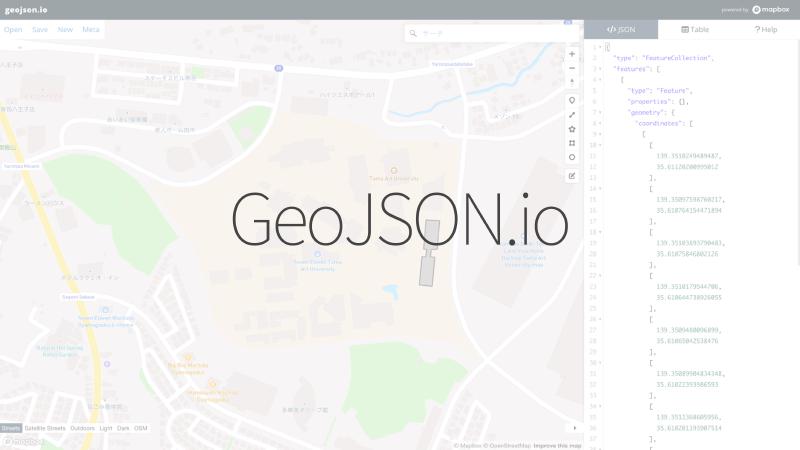

What is this tool?
A simple browser-based tool for creating, viewing, and sharing spatial data (such as GeoJSON). You can draw and edit geographic data on a map, and the corresponding GeoJSON is generated instantly, making it ideal for prototyping and verifying spatial data.
Features
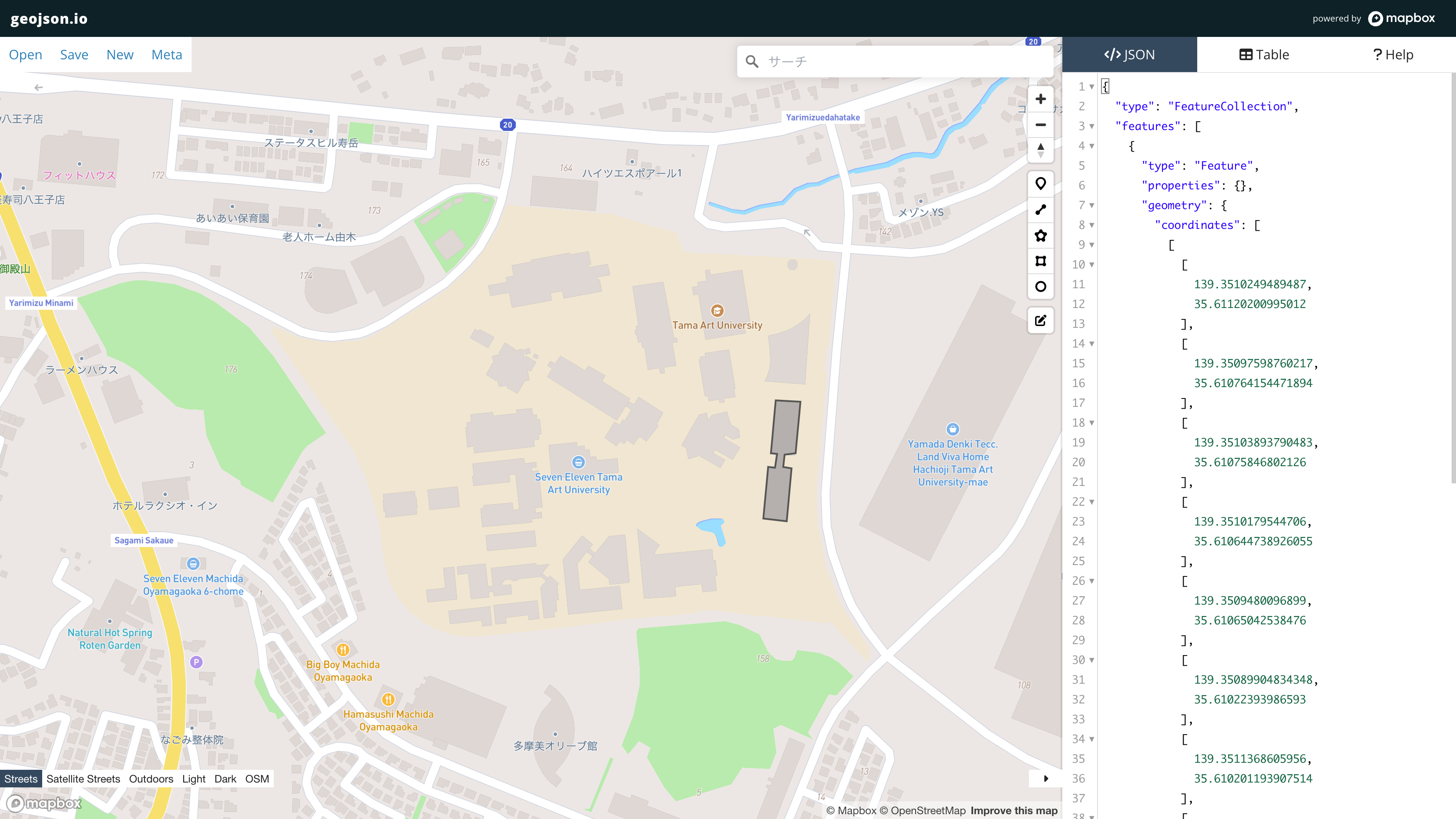
- Draw and edit data on a map…Draw markers (points), polylines (lines), and polygons (areas) on the map and freely edit them.
- Real-time code editing and preview…Drawn shapes are instantly updated and displayed as GeoJSON code, and attribute editing is also supported.
- Multi-format import…Import and edit spatial data including GeoJSON, TopoJSON, CSV, KML, and more (historically supported by the tool).
- Simple attribute editing…Edit and delete field values in table view to adjust Feature properties.
How to use
- Load data or create new drawings…Upload existing GeoJSON, or draw points, lines, and polygons on the map.
- Edit attributes and code…Interactively edit drawings and attribute information.
- Save and share…Download the completed GeoJSON as a file or share via URL parameters.
Data formats
- Input formats
- GeoJSON: A JSON format centered on geographic Features (points, lines, areas).
- TopoJSON / CSV / KML / GPX, etc.: Multiple geographic data formats can be loaded and converted to GeoJSON for editing.
- Output formats
- GeoJSON, TopoJSON, CSV, KML, WKT, Shapefile