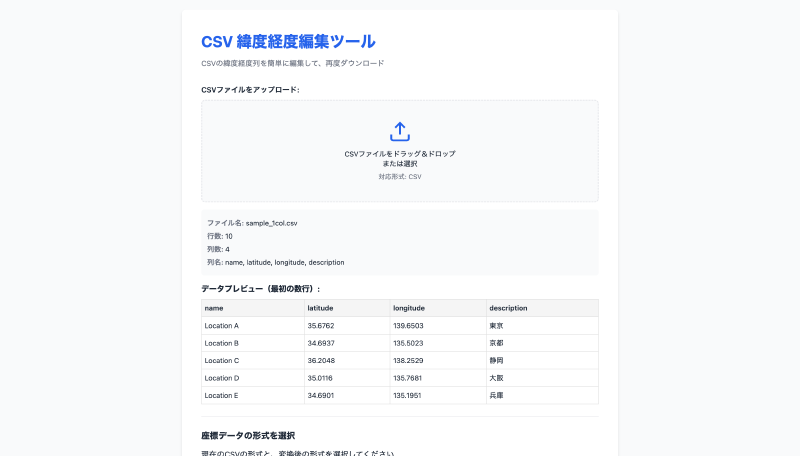

What is this tool?
A web tool for easily converting the format of latitude and longitude data within CSV files. It is useful when you need to organize and standardize coordinate notation formats when working with geographic data.
Features
- Format conversion
- Bi-directional conversion between single-column format (latitude and longitude in one cell, e.g., “35.6762,139.6503”) and two-column format (separate latitude and longitude columns).
- Auto-detection Automatically detects latitude and longitude columns in the input CSV.
- Data preview View the CSV before and after conversion on the spot.
- Decimal precision adjustment Adjust the number of decimal places for latitude and longitude values.
- Download Download the converted CSV as a file.
- Browser-only processing All processing is completed within the browser with no server communication required.
How to use
- Upload a CSV…Load the target CSV via drag-and-drop or file selection.
- Specify the current format…Select whether latitude and longitude are in single-column or two-column format.
- Choose the output format…Select the desired single-column or two-column format.
- Adjust precision (optional)…Set the number of decimal places for latitude and longitude.
- Convert and download…After running the conversion, review the preview and download the CSV.
Data formats
- Input formats
- CSV: Tabular data with latitude and longitude in either single-column or two-column notation.
- Output formats
- CSV (single-column format): Latitude and longitude combined in a single field as “latitude,longitude”.
- CSV (two-column format): Standard format with separate latitude and longitude columns.