What is this tool?
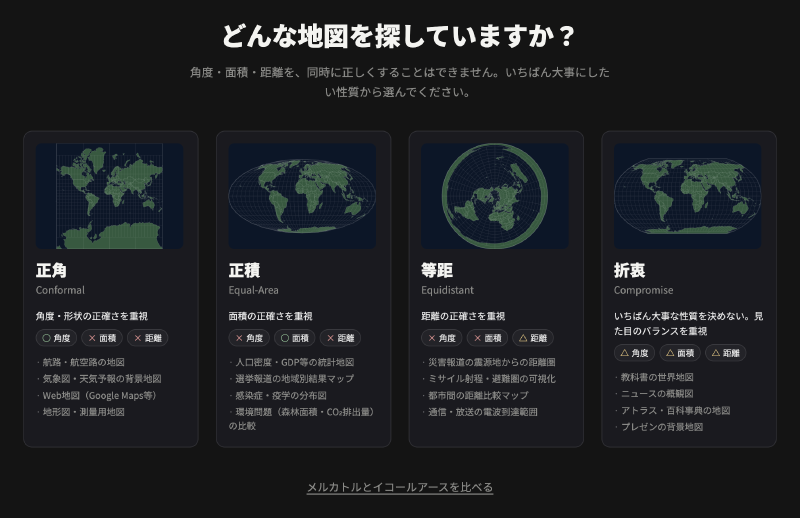
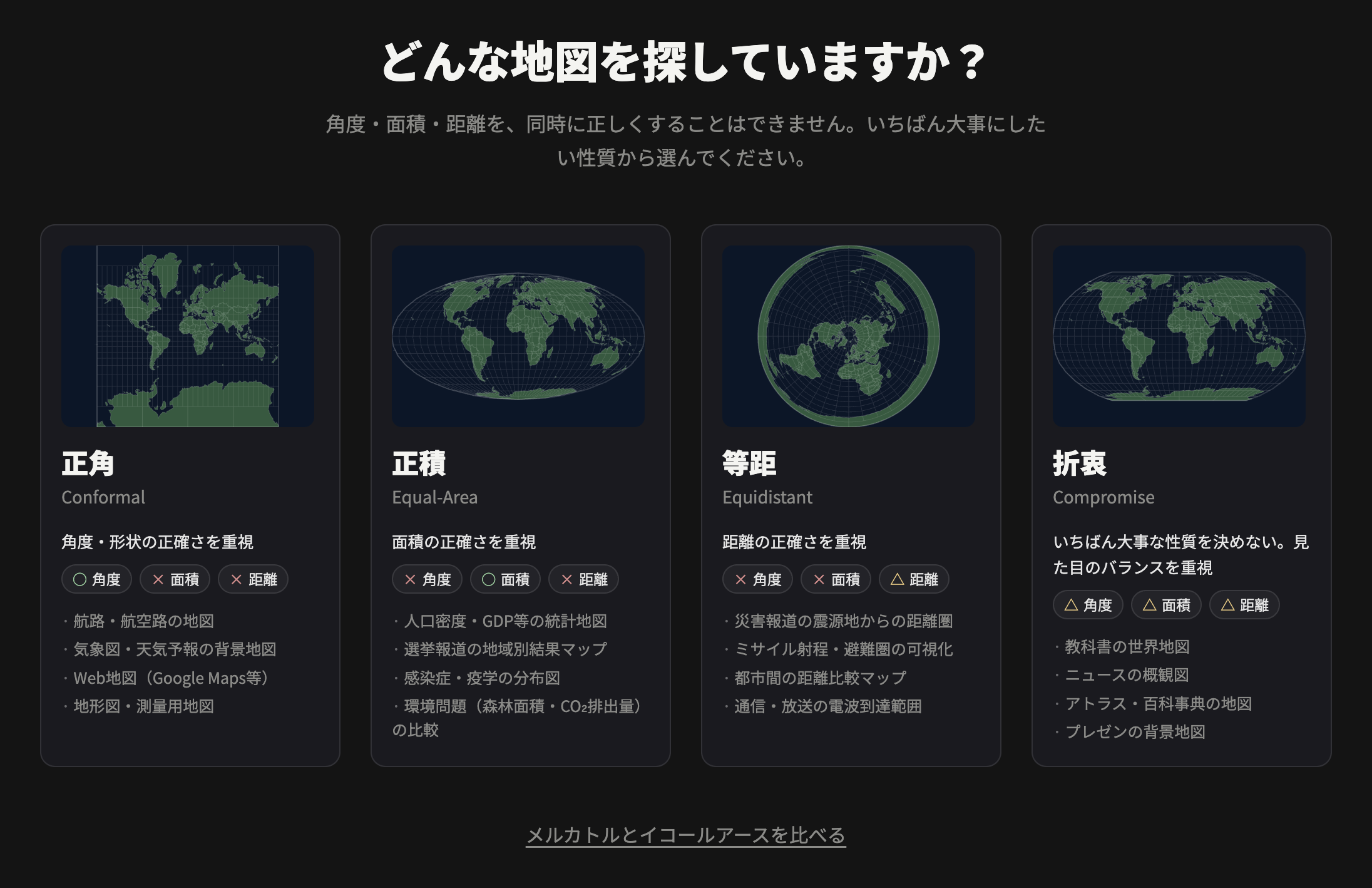
No map projection can preserve angle, area, and distance at the same time. This tool helps you choose a projection from the property you care about most, then observe and compare distortion.
Features
- Start from a property…Choose conformal, equal-area, equidistant, or compromise.
- Observe distortion…Tissot indicatrices and a graticule show what is preserved and what is warped.
- Compare projections…Place two projections side by side.
- Export…Download the chosen projection as design-ready SVG, or copy the D3 call.
How to use
- Choose the property you want to preserve.
- Open one of the candidate projection cards.
- Drag the map to change the center and inspect distortion with Tissot ellipses.
- Compare another projection if needed, then export SVG or D3 code.