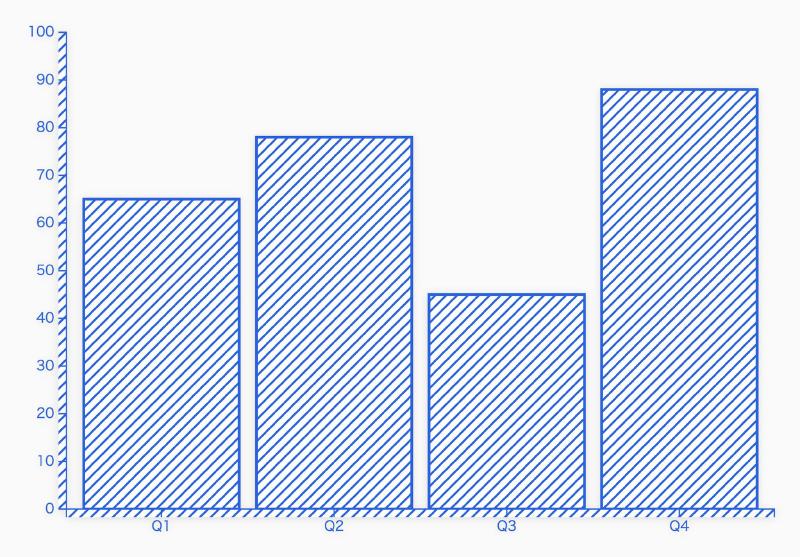

What is this tool?
A web-based editor for designing texture patterns and surface effects used in SVG (Scalable Vector Graphics). You can visually edit and create repeating patterns (textures) for chart and shape backgrounds and fills, and use them as SVG. This tool is primarily intended to support the design of texture expressions in data visualization and graphic design.
Features
- Texture pattern generation and editing…Visually create and adjust repeating patterns (stripes, dots, etc.) and texture patterns for embedding in SVG.
- Preview display…Evaluate the appearance of patterns in real time as you edit.
- SVG output…Retrieve the designed textures as SVG code or pattern definitions.
How to use
- Design a texture…Create a texture by configuring pattern type, spacing, direction, color, and other settings (via GUI).
- Real-time preview…Review the appearance of the edited texture on the spot.
- Retrieve as SVG…Copy or save the finished pattern as SVG XML (such as
<pattern>) and apply it to other SVG shapes or charts.
- Retrieve as SVG…Copy or save the finished pattern as SVG XML (such as