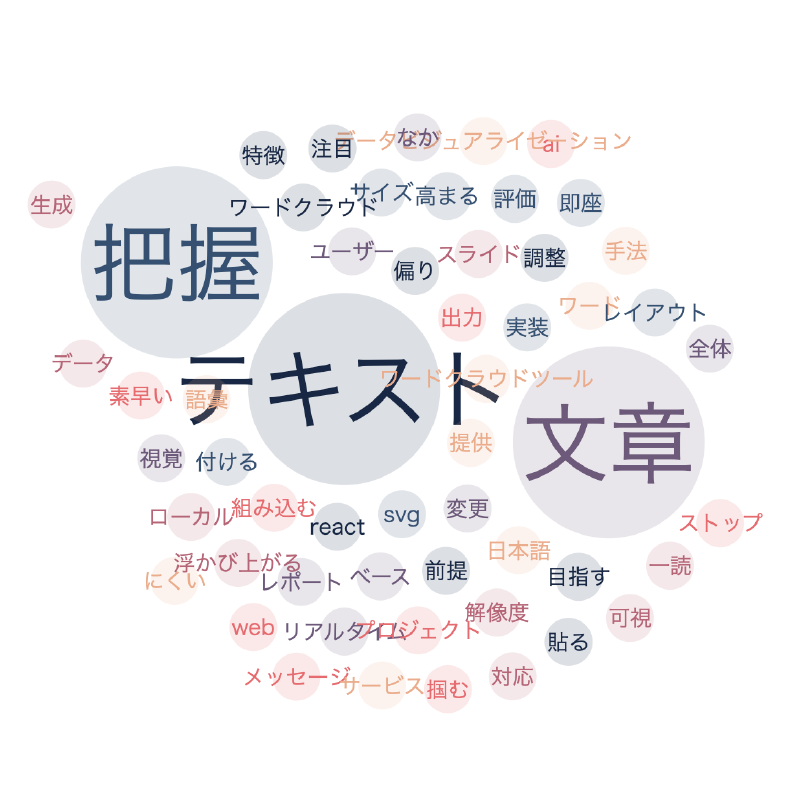

What is this tool?
Word Cloud is a web tool that visualizes word frequency in text data by displaying more frequent words in larger sizes, creating a “word cloud” directly in the browser.
Word clouds are a visualization technique used to intuitively grasp key words in text data at a glance. Word size and color represent frequency trends.
Features
- Text input / upload…Enter text files or text data to generate a word cloud.
- Frequency analysis…Counts word occurrences and adjusts word sizes according to their frequency.
- Word cloud display…Renders the word cloud with sizes and arrangements corresponding to word frequency.
- Customization…Adjust maximum/minimum font sizes, colors, layout, and more.
- Export / save…Provides an interface to save generated results as images or SVG.
How to use
- Input / upload text data…Load text data using the text area or file upload.
- Generate the word cloud…Click the “Generate” button, and a word cloud based on word frequency within the text is displayed.
- Customize…Adjust parameters for font size, color, layout settings, etc.
- Save results…Download the generated word cloud as PNG / SVG or CSV.
Data formats
- Input formats
- Text (TXT) or copy-and-paste strings: Input directly into the tool.
- CSV / TXT files: Upload files containing word lists or text data.
- Output formats
- Images (PNG / SVG): Save the visualized word cloud as an image.
- CSV: Save the morphologically analyzed tokens (words) and their frequency data.